
Buy Discord Server Boosts: A 2026 Operator's Guide

Last updated: October 2026
Resellers and community managers looking to buy Discord server boosts face a market saturated with risk. Many services deliver boosts from compromised accounts or fraudulent payment methods, leading to drops within days and potential server flags. This guide breaks down the mechanics of boost delivery, how to vet providers, and how to secure server perks without exposing your community to unnecessary risk.
Buy Discord Server Boosts: The practice of purchasing Server Boosts from a third-party provider to unlock tiered perks for a Discord server. Why it matters: This method allows server owners to access premium features like higher audio quality and larger upload limits without relying solely on community members to apply their personal boosts.
Key Takeaways
- Analyze the Source: The stability of a purchased boost depends entirely on the legitimacy of the source account. Boosts from accounts using stolen credit cards for Nitro will disappear upon chargeback.
- Evaluate Perks vs. Cost: Each boost level unlocks specific, measurable benefits. Calculate whether perks like increased emoji slots or higher audio bitrates provide real value to your community's experience.
- Prioritize Refill Guarantees: Reputable providers offer a refill window (e.g., 30 days) to replace any boosts that drop. A provider without a clear Service Level Agreement (SLA) for refills is a significant red flag.
- Understand Delivery Mechanics: Boosts are applied by individual user accounts joining your server. The delivery process involves providing an invite link and waiting for the provider's accounts to join and apply their boosts.
- Avoid Account Access Demands: A provider never needs administrator access to your server. They only require a standard, non-expiring invite link to join and deliver the boosts.
Why Most Cheap Discord Boosts Are a Trap
The price disparity in the server boost market is a direct signal of risk. Extremely cheap boosts—often priced 70-90% below Discord's official Nitro pricing—are almost always sourced through fraudulent means. This isn't a matter of finding a good deal; it's a matter of buying a service with a predictable, high failure rate.
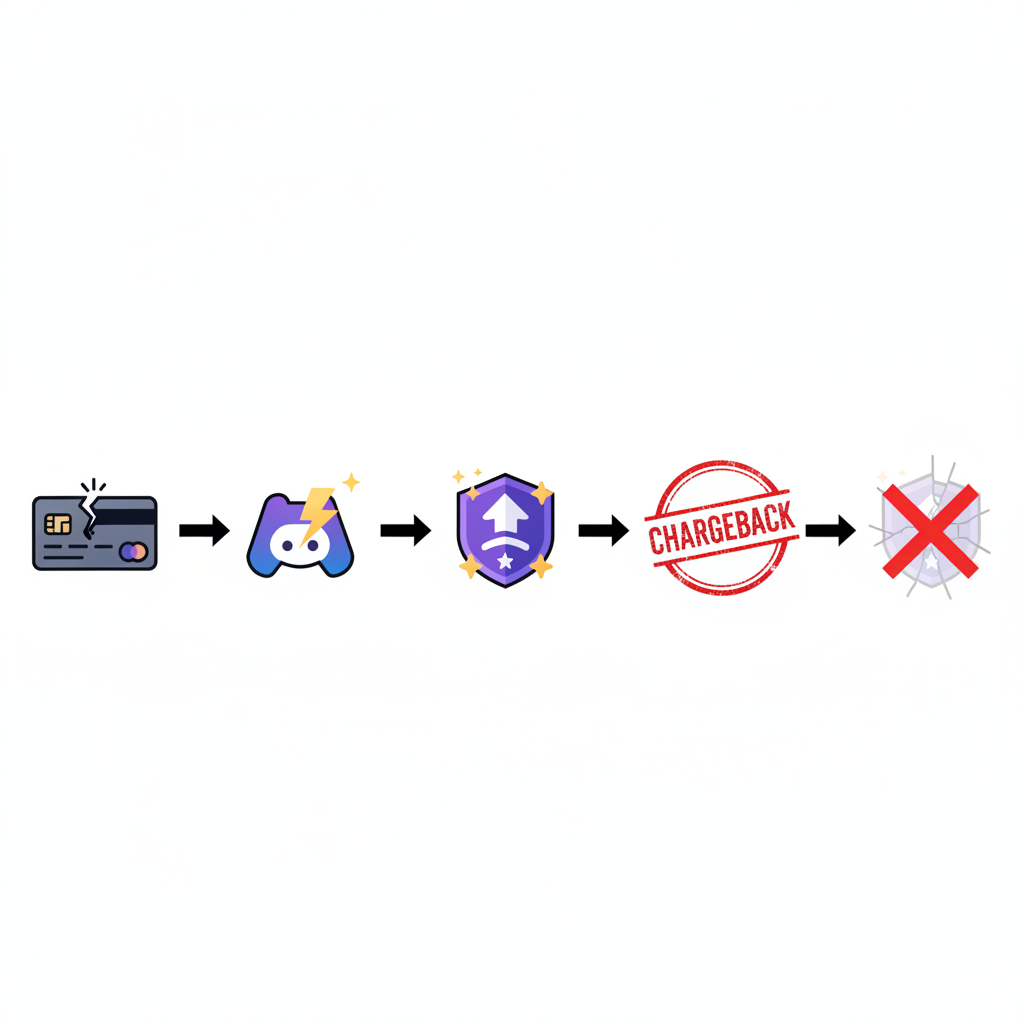
The primary failure mechanism is payment fraud. A shady provider uses stolen credit card information to subscribe dozens or hundreds of new Discord accounts to Nitro. These accounts are then used to boost their clients' servers. The boosts appear instantly, and the order is marked complete. However, within a few days to a week, the legitimate cardholder initiates a chargeback. Discord's systems then revoke the Nitro subscription and, consequently, the server boost attached to it.
The result for the buyer is a catastrophic drop rate. It's common to see 14 boosts drop to 2 or 3 within 72 hours, leaving the server de-leveled and the buyer with no recourse. This is the fundamental business model of low-quality boost panels.
Reputable providers mitigate this risk by using legitimately funded accounts, often sourced from regions with lower Nitro pricing. While still a violation of Discord's Terms of Service, this method avoids the guaranteed failure of chargeback fraud. The risk shifts from guaranteed drops to potential account bans by Discord, which is a slower and less predictable process. This is why a provider's refill policy is the most critical metric to evaluate.
Discord Server Boost Levels: A Cost-Benefit Analysis
Boosting a server is about unlocking tangible features. Before you buy Discord server boosts, match the cost to the specific perks unlocked at each level. The value is not in the number itself, but in the functional upgrades your community receives.
| Boost Level | Boosts Required | Key Unlocked Features | Best for |
|---|---|---|---|
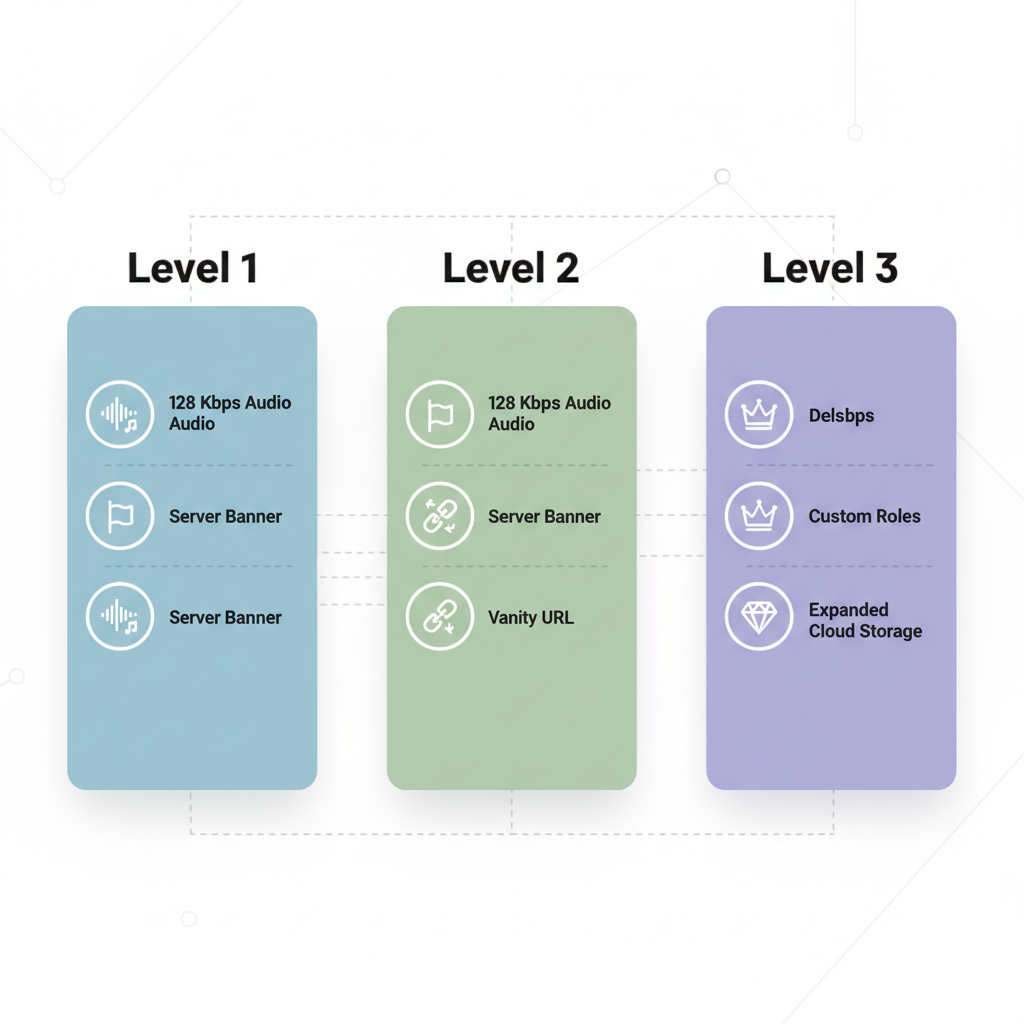
| Level 1 | 2 Boosts | +50 emoji slots (100 total), 128 Kbps audio, Animated server icon, Custom invite background. | Small, growing communities needing basic personalization and better audio. |
| Level 2 | 7 Boosts | +50 emoji slots (150 total), 256 Kbps audio, Server banner, 50MB upload limit for all members. | Active communities focused on content sharing and higher-fidelity voice chat. |
| Level 3 | 14 Boosts | +100 emoji slots (250 total), 384 Kbps audio, 100MB upload limit, Vanity URL. | Large brands, creator communities, and servers where a custom URL is critical for marketing. |
150 Million — Discord Monthly Active Users, as of their latest company data. This large user base makes unique community features a competitive advantage.
According to Discord's official Server Boosting FAQ, perks like higher audio quality directly impact user experience in voice channels, while increased upload limits are critical for servers centered around art, development, or video content. The Vanity URL at Level 3 is often the primary driver for brands, as it provides a clean, marketable link to their community.
How to Buy Discord Server Boosts Securely
Buying boosts from a third party carries inherent risks. However, a structured purchasing process can minimize the chance of losing your investment or endangering your server. This process focuses on provider vetting and operational security.
- Vet the Provider's Reputation: Look for providers with a history. Check for off-site reviews or discussions on forums. A brand-new panel offering prices far below the market average is a major warning sign.
- Analyze the Refill Policy: Do not order from a provider without a clear, written refill policy. A standard guarantee is 30 days. This means they will replace any boosts that drop within that window at no extra cost. Confirm the process for requesting a refill.
- Select the Boost Package: Choose the package that corresponds to the level you need (e.g., 14 boosts for Level 3). Pay attention to the duration—most third-party boosts are sold for 1-month or 3-month terms.
- Generate a Server Invite Link: In your Discord server, create a new, non-expiring invite link. Go to Server Settings > Invites > Create Invite. Set 'Expire After' to 'Never' and 'Max Uses' to 'No Limit'.
- Provide ONLY the Invite Link: During the order process, you will be asked for this link. The provider does not need any other information. Never provide your login credentials or grant admin permissions to any user or bot.
- Complete Payment via a Secure Method: Use a payment method with buyer protection where possible. Avoid direct bank transfers or cryptocurrency payments with unknown vendors, as these are irreversible.
- Monitor Delivery and Boost Count: After placing the order, you will see new members join and the boost count on your server increase. Delivery should typically complete within 24 hours. Track the boost count for the first week to ensure stability.
FAQ: Answering Common Operator Questions
Is buying Discord boosts against the Terms of Service?
Yes. Directly purchasing boosts from third parties is a violation of Discord's Terms of Service. Discord's policies state that boosts are tied to user subscriptions and are not meant to be sold. While enforcement varies, Discord reserves the right to remove the boosts or take action against the server.
Why do my purchased boosts disappear after a few days?
This is almost always due to the provider using fraudulent payment methods, like stolen credit cards, to purchase the Nitro that enables the boosts. When the payment is charged back, Discord revokes the Nitro and the boost vanishes. This is the primary risk of using low-cost providers.
Can my Discord server get banned for buying boosts?
While not common, it is possible. If a server is found to be consistently and egregiously violating ToS, such as by using boosts from hundreds of fraudulent accounts, Discord may take action. This can range from removing the boosts to, in rare cases, deleting the server. The risk is lower with more reputable providers.
How much do third-party Discord boosts cost?
The price varies wildly based on provider quality and duration. A 1-month, 14-boost package (Level 3) can range from $15 to $50. Prices at the low end of this spectrum correlate with a much higher risk of drops. Official pricing via Discord Nitro is approximately $4.99 per boost per month.
99.9% — Discord's reported service uptime. This reliability makes the platform's native features, like boosts, a stable foundation for community building when acquired legitimately.
What to do this week
- Audit Your Current Boost Source: If you currently have purchased boosts, check your server's boost count daily for a week. A drop rate over 10% indicates a low-quality, high-risk provider.
- Calculate the ROI of Your Target Level: List the top three features your community would gain from the next boost level. Assign a value to them. Is a vanity URL worth the cost and risk of a 14-boost package?
- Review Provider SLAs: Before placing a new order, find the provider's refill guarantee and terms of service. If you cannot find a clear, 30-day (or similar) replacement policy, do not order.
- Prepare a Secure Invite Link: Go into your server settings and generate a permanent, unlimited-use invite link now. Having this ready streamlines the ordering process and ensures you don't accidentally provide a temporary one.