
How to Get a Verification Badge on Facebook in 2026: 3 Methods
Last updated: October 2026
The simplest way how to get a verification badge on Facebook is by subscribing to Meta Verified for $11.99 per month on the web or $14.99 per month on mobile. Alternatively, notable public figures can apply for a free badge by proving their public interest. A Facebook verification badge is a blue checkmark next to a Page or profile name, confirming it is the authentic presence of the person or brand it represents.
Meta Verified is a paid monthly subscription that confirms your identity. The traditional verification badge, now visually identical, is for public figures and brands that Facebook deems "notable." This is based on press coverage and public interest. This guide details the requirements and application steps for both official methods.
Facebook Verification: Meta Verified vs. Notability Badge
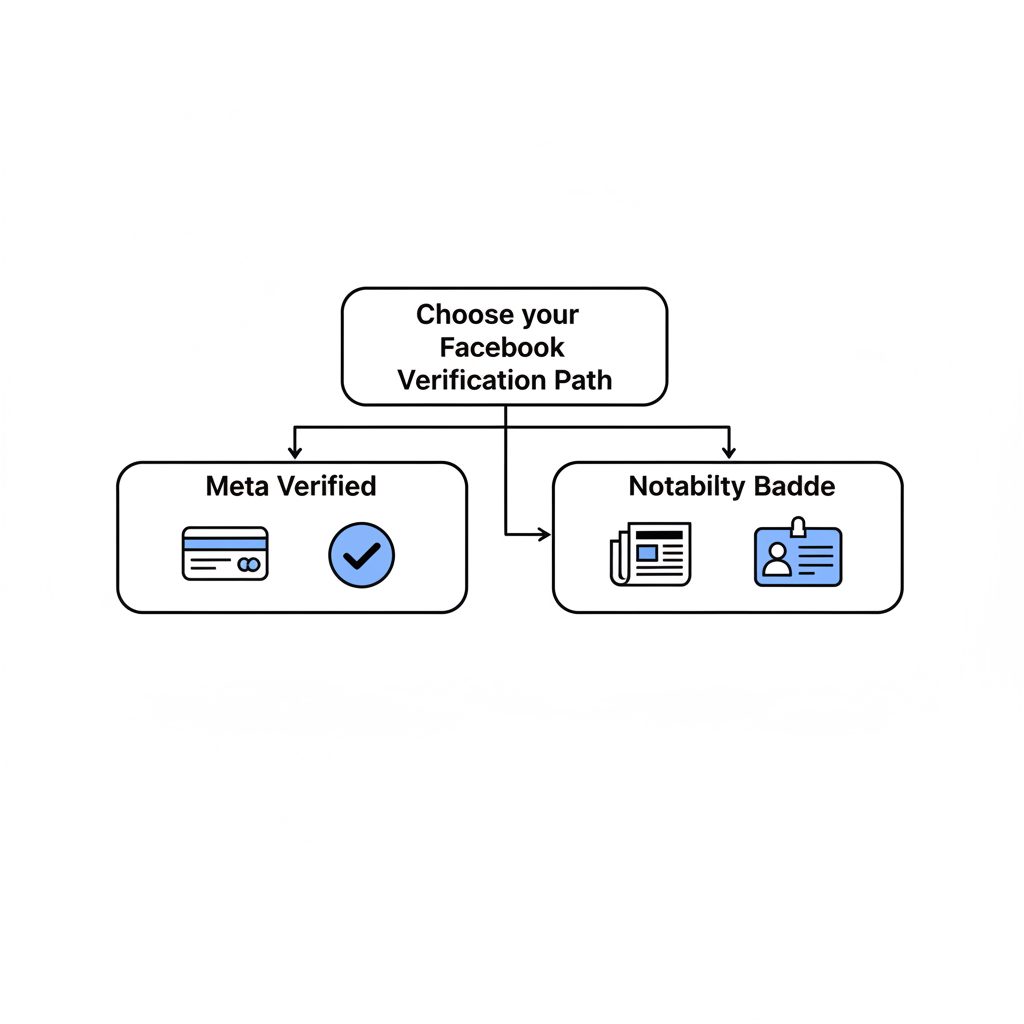
Since 2023, Facebook offers two paths to the same blue checkmark. However, they signify different things. Understanding this difference is the first step. Meta Verified is a paid product anyone can buy to prove they are who they say they are. The traditional notability badge is an earned status for public figures.
| Feature | Meta Verified Subscription | Traditional Notability Badge |
|---|---|---|
| Cost | Monthly Fee ($11.99 web, $14.99 mobile) | Free to apply |
| Eligibility | General public (18+) in eligible countries | Public figures, celebrities, notable brands |
| Primary Requirement | Government-issued ID, payment method | Significant, independent press coverage |
| Application Process | In-app subscription purchase | Manual application form with evidence |
| What It Signifies | Authenticity (This is a real person) | Authenticity + Notability (This is a public figure) |
| Extra Perks | Proactive impersonation monitoring, direct support | None (badge only) |
The proactive impersonation monitoring included with Meta Verified is a key benefit. The U.S.
Meta launched its subscription service to provide access to verification for a broader set of creators and businesses, separating simple identity confirmation from the older, more subjective standard of notability.
For most users, the Meta Verified subscription is the only viable path. The notability application is specifically for individuals or organizations who can already demonstrate significant public interest through established media channels.
What Do You Need Before You Apply for Verification?
Before starting either verification process, ensure your Facebook profile or Page meets basic standards. An incomplete or inactive profile is a common reason for rejection, even for paid subscribers. Your account must be:
- Authentic: Represent a real person, registered business, or entity.
- Complete: Have an about section, a profile photo, and recent activity, including at least one post.
- Secure: Have two-factor authentication enabled. Meta requires this for all Meta Verified subscribers to enhance account security.
- Compliant: Follow Facebook's Terms of Service and Community Standards, with no recent violations.
For the notability application, you also need to gather evidence. This typically includes links to several recent articles or media mentions from independent, reputable news sources. Internal press releases, sponsored content, and mentions in blogs do not count.
How to Get a Verification Badge on Facebook: Step-by-Step
Follow these steps to apply for verification directly through Facebook. The initial steps vary depending on whether you are pursuing the subscription or the notability badge.
-
Choose Your Verification Path. For Meta Verified, look for the "Meta Verified" option in your Account Center settings. For notability verification, you must use the specific "Request a verified badge" form, which is found in Facebook's Help Center.
-
Access the Correct Application Form. For the notability path, you can use the form found on Facebook's official Request a verified badge on Facebook help page.
-
Confirm Your Authenticity. Both paths require you to prove your identity. You will be prompted to upload a clear photo of a government-issued ID, such as a driver's license or passport. The name on the ID must match the name on your profile.
-
Demonstrate Notability (For Traditional Badge). This is the most difficult step. You must select a category for your Page or profile (e.g., News/Media, Sports, Government) and provide links to articles that prove you are a public figure. Facebook wants to see organic, independent coverage that establishes public interest.
-
Submit Your Application and Wait. After filling out the form and uploading your documents, submit the application. The review process for Meta Verified is often automated and can take up to 48 hours. The notability review is manual and can take anywhere from a few days to several weeks.
What if Your Facebook Verification Request is Denied?
A rejection is common, especially for the notability badge. Facebook will provide a brief reason, but it is often generic. The most frequent causes for denial are insufficient notability, an ID mismatch, or an incomplete profile.
If your application is denied, you must wait 30 days before you can apply again. Use this time to address the likely reason for rejection. This could involve securing more press coverage or ensuring your profile is fully built out. The process is similar for other platforms, as detailed in our guide on how to get verification on Instagram.
Proving your identity is a critical step in building trust with your audience online.
Should I Use an Agency for Facebook Verification?
For public figures who meet the notability criteria but are repeatedly denied, the issue is often in how the application is framed. Facebook's manual review is subjective, and presenting your case effectively matters. An agency or specialized service can provide value here.
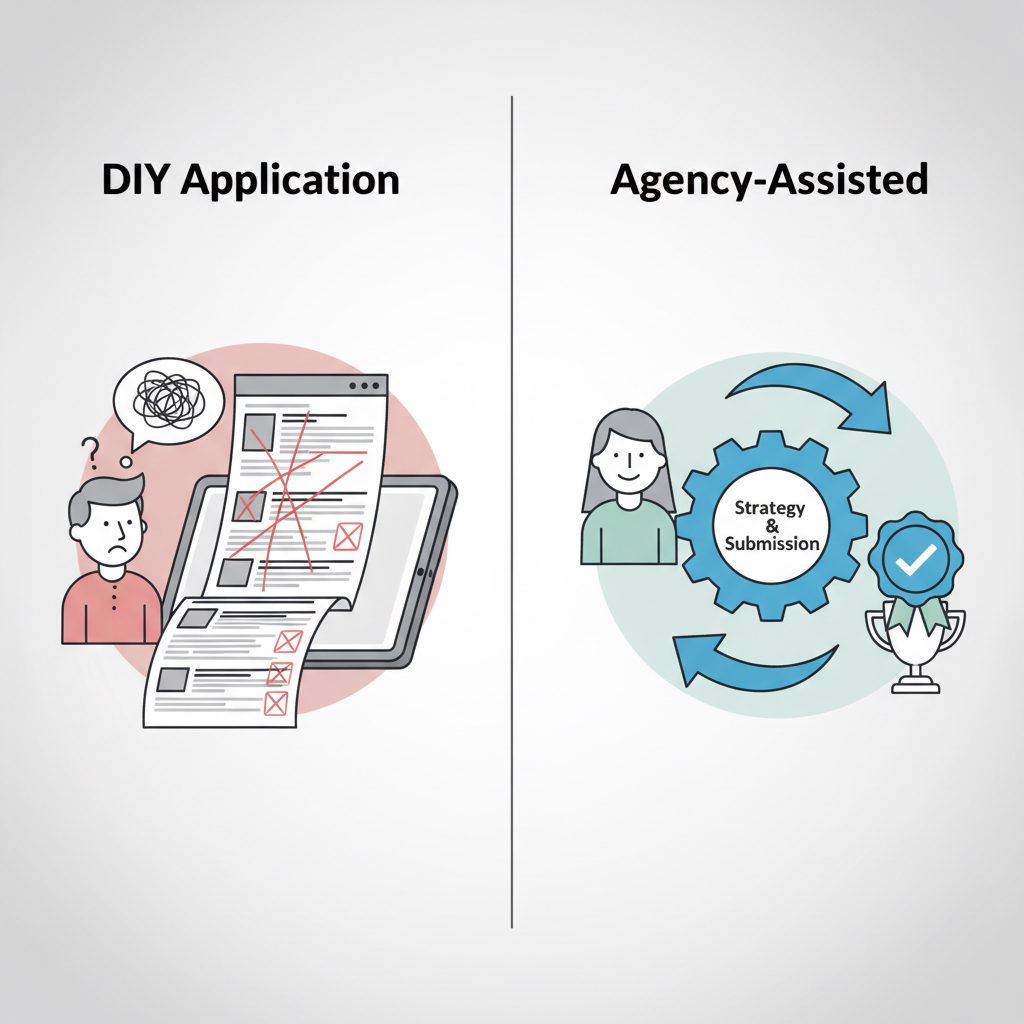
The Facebook Verification Badge service at DarkSMM is designed for creators, entrepreneurs, and public figures who already have the required press but are struggling with the submission process. As of October 2024, the service is a one-time fee of $49.00. Our team helps structure the application to best showcase your existing notability to Facebook's review team.
The agency service does not create notability or press for you. It is for clients who are genuinely notable but need expert assistance with the application itself. If you do not have multiple independent news articles about you, this service is not the right fit. In that case, your focus should be on public relations first.
Checklist Before Submitting Your Application
Work through this final checklist to maximize your chances of a successful application.
- Profile Audit: Is your profile 100% complete with a bio, profile picture, cover photo, and recent public posts?
- Security Check: Is two-factor authentication enabled on your account? This is non-negotiable.
- ID Preparation: Do you have a high-resolution, unexpired government ID ready for upload? Ensure the name matches your profile exactly.
- Notability Evidence (If Applicable): Have you gathered 3-5 links to strong, independent news articles or media features about you or your brand?
- Policy Compliance: Has your account had any recent violations of Facebook's Community Standards? Resolve any outstanding issues first.
Frequently Asked Questions
How much does Facebook verification cost?
There are two main cost structures. The Meta Verified subscription has a monthly fee that is $11.99 on the web and $14.99 on mobile devices. Applying for a traditional notability badge is free. Agency services that assist with the notability application have a one-time fee, like DarkSMM's $49.00 service.
Can I get verified on Facebook without being famous?
Yes. The Meta Verified subscription is designed for this purpose. It allows any user in an eligible region to get a verification badge by confirming their identity with a government ID and paying a monthly fee. You do not need to be a public figure or have press coverage to subscribe.
How many followers do you need for Facebook verification?
Facebook does not have a minimum follower requirement for either the Meta Verified subscription or the notability-based badge. For the notability badge, reviewers focus on the quality and quantity of press coverage and public interest, not follower counts, as the primary signal of influence.
What's the difference between Meta Verified and the old blue check?
Functionally, they now use the same blue checkmark icon. However, the meaning is different. Meta Verified is a paid product that confirms the account holder's identity. The traditional badge, often called the "legacy" or "notability" badge, is an earned status granted to accounts that Facebook deems to be of significant public interest.
Why was my ID rejected for Facebook verification?
An ID rejection usually happens for a few reasons: the image was too blurry or had glare, the document was expired, or the name on the ID did not match the name on your Facebook profile. Some users also run into issues if they try to submit a document that isn't on Facebook's approved list for their region.
Is the Facebook verification process the same as for Instagram?
It is very similar, as both platforms are owned by Meta. Both offer a paid Meta Verified subscription and a free notability-based application. The criteria for notability are nearly identical. If you are approved for one, you can often get the other more easily, though it is not guaranteed. Our analysis of Instagram verification costs covers this in more detail.
Securing a verification badge on Facebook is a straightforward process once you understand the two distinct paths available. For general users, Meta Verified offers a simple, paid route to authenticity. For public figures, the notability badge remains a powerful signal, though it requires a strong foundation of public recognition. For those who meet the notability requirements but need help with the submission process, the Facebook Verification Badge can streamline the application.